
Docker with an analogy

INTRODUCTION:
Imagine you're a chef and you want to create a special dish for your customers. However, you have a problem: each customer has different dietary restrictions and preferences. Some are vegetarians, some are non vegetarians, and some have allergies to specific ingredients.
To solve this, you decide to use a set of customizable lunch boxes. Each lunch box represents a Docker container. In each container, you can put a specific version of your dish along with all the necessary ingredients.
Here's how Docker relates to the analogy:
Recipe (Application): Your dish recipe represents your application code and files. It contains all the necessary instructions to create the final dish.
Ingredients (Dependencies): The ingredients you need for your dish represent the dependencies required by your application, such as libraries, frameworks, and other software components.
Lunch Box (Container): Each lunch box represents a Docker container. It encapsulates your application code and all its dependencies. It's a self-contained unit that can be transported and run on any system with Docker.
Chef (Developer): You, as the chef, are the developer who creates and manages the application and its containers using Docker.
Customers (Computing Environments): Your customers represent different computing environments where you want to run your application, such as a developer's laptop, a testing server, or a production server. Docker ensures that your containers can run consistently on any of these environments.
Customization: With Docker, you can customize each lunch box (container) to cater to the specific dietary preferences of your customers (computing environments). You can configure different versions of your dish (application) or include/exclude certain ingredients (dependencies) as needed.
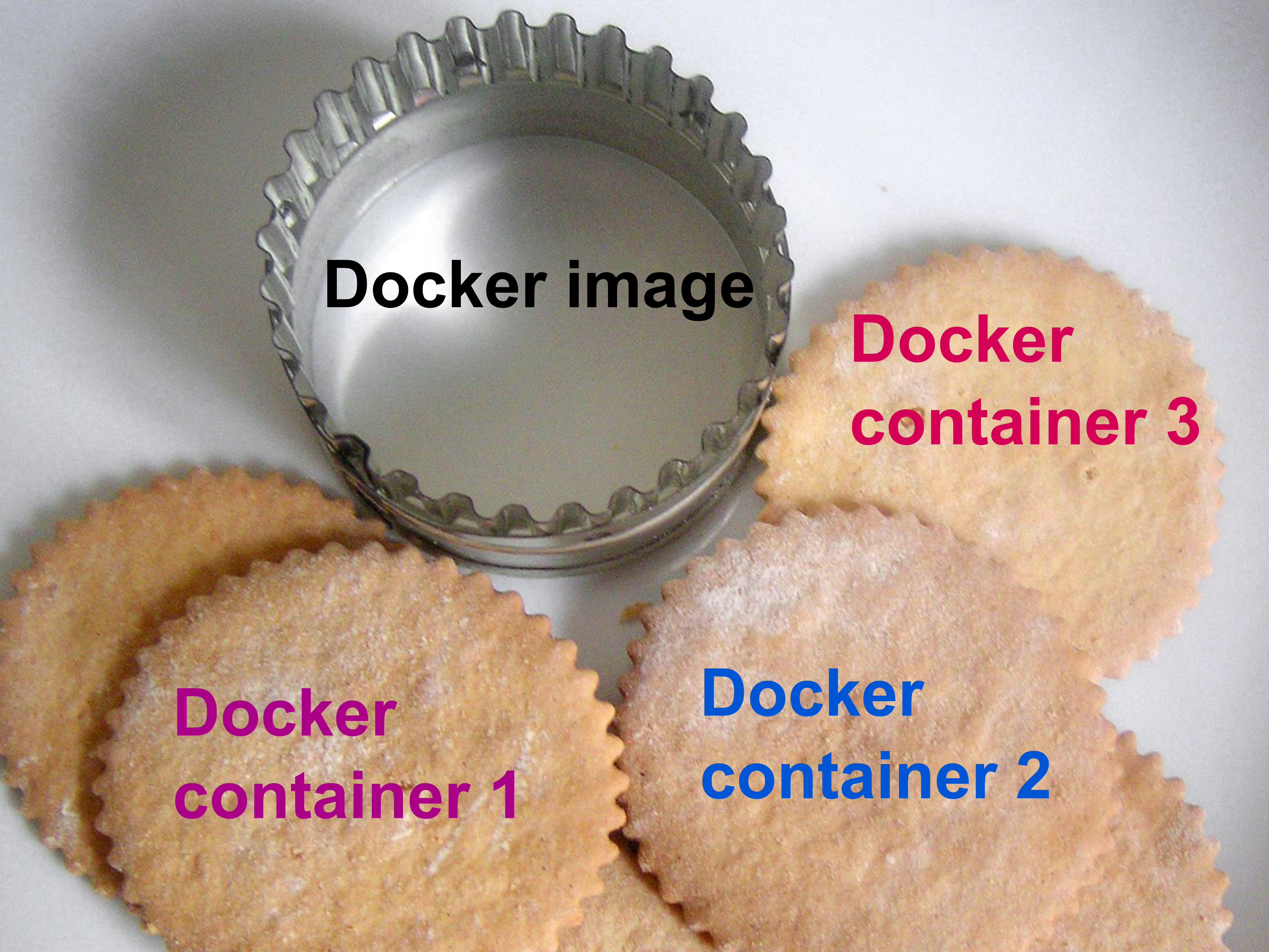
summary:
Docker allows you to package your application and its dependencies into portable containers, similar to how a chef uses lunch boxes to package different versions of a dish for customers with varying preferences. This ensures that your application runs reliably and consistently across different environments.

For another docker blog.
Follow me on LinkedIn to see interesting posts like this : )
linkedin.com/in/prabir-kumar-mahatha-6a0025..
visit my git hub profile: github.com/PrabirKumarMahatha


